Land
Jump from the plane, pick your landing spot among the island's 13 locations and search the houses for weapons, ammo and healing.
The building battle royale is back on PC. Drop onto the island, loot, destroy everything in your way, build to take the upper hand and be the last one standing.
BT Revival is the return of BuildTopia: a battle royale where building changes everything. You drop onto an island with 13 locations, with nothing but a deconstructor as your weapon. From there, anything goes: loot, tear down walls, raise fortresses in seconds. In the end, only one survivor remains.
Jump from the plane, pick your landing spot among the island's 13 locations and search the houses for weapons, ammo and healing.
Your deconstructor knocks down walls, roofs and scenery: everything that falls gives you materials, and nothing is safe.
Walls, floors and ramps in one click, editable at will: to protect yourself, take the high ground or trap your opponent.
The zone closes in and supply drops fall from the sky: stay in the circle, manage your materials and be the last one standing.
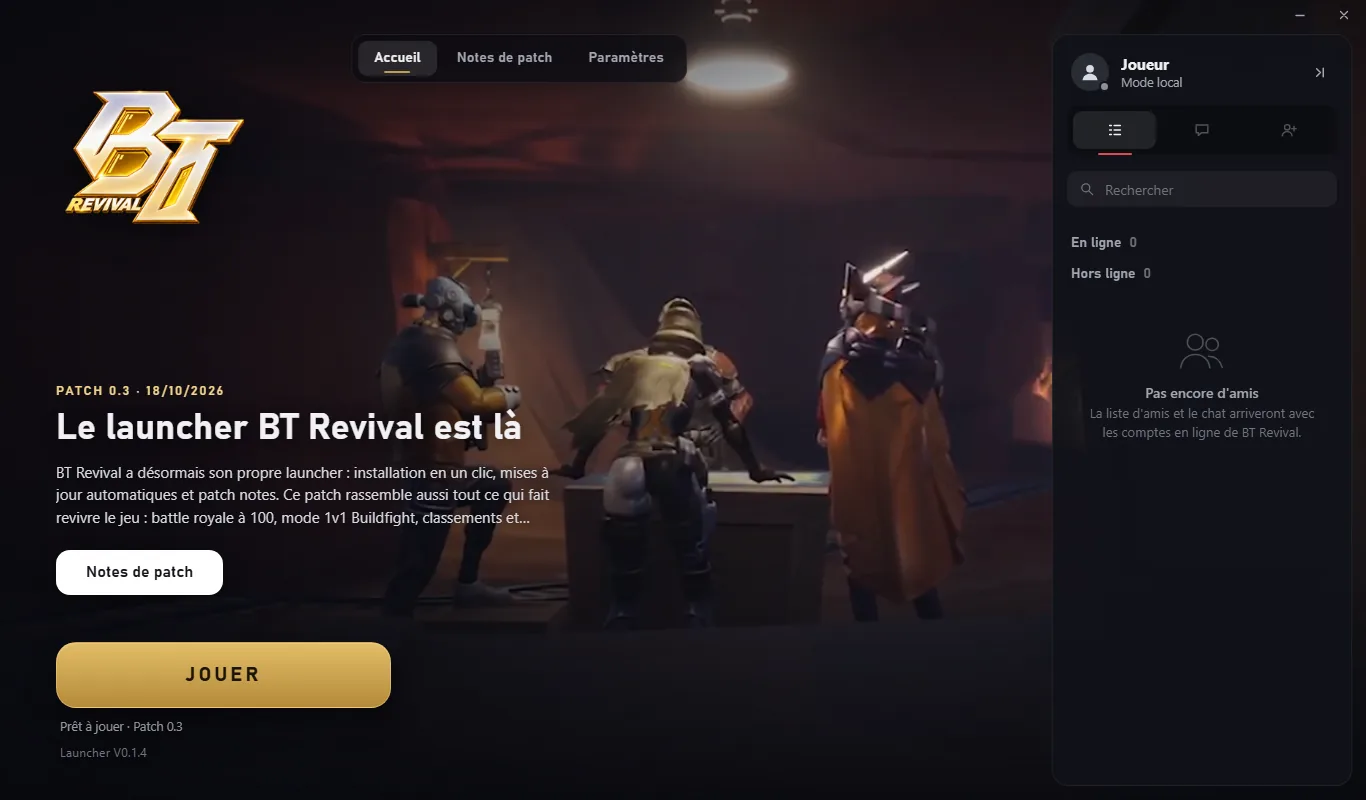
Just one file to download. The BT Revival launcher installs the game, keeps it up to date and starts it in one click: nothing left for you to manage.
01
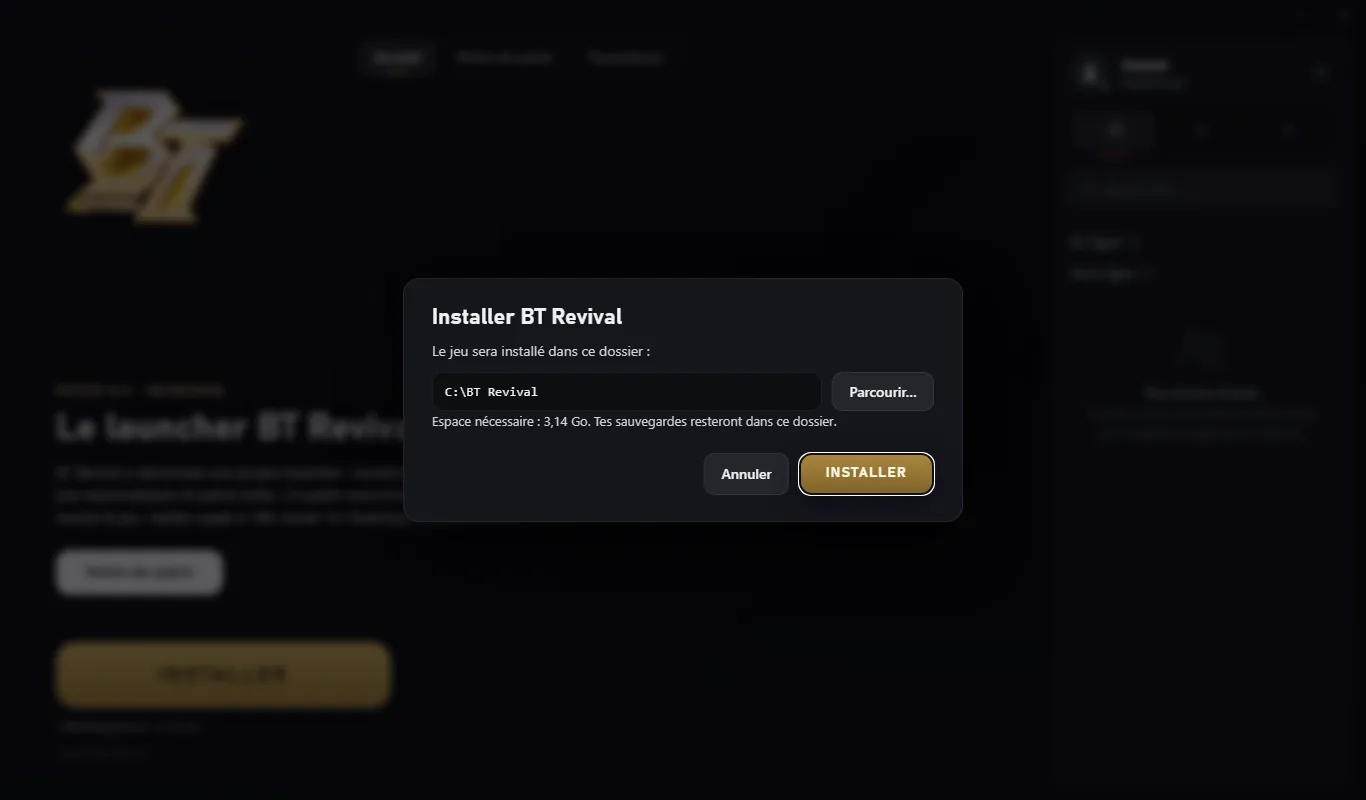
Open the launcher, click Install, keep the suggested folder or pick your own: it downloads the game and everything you need to play, then creates its shortcuts on your Desktop and in the Start menu.
02
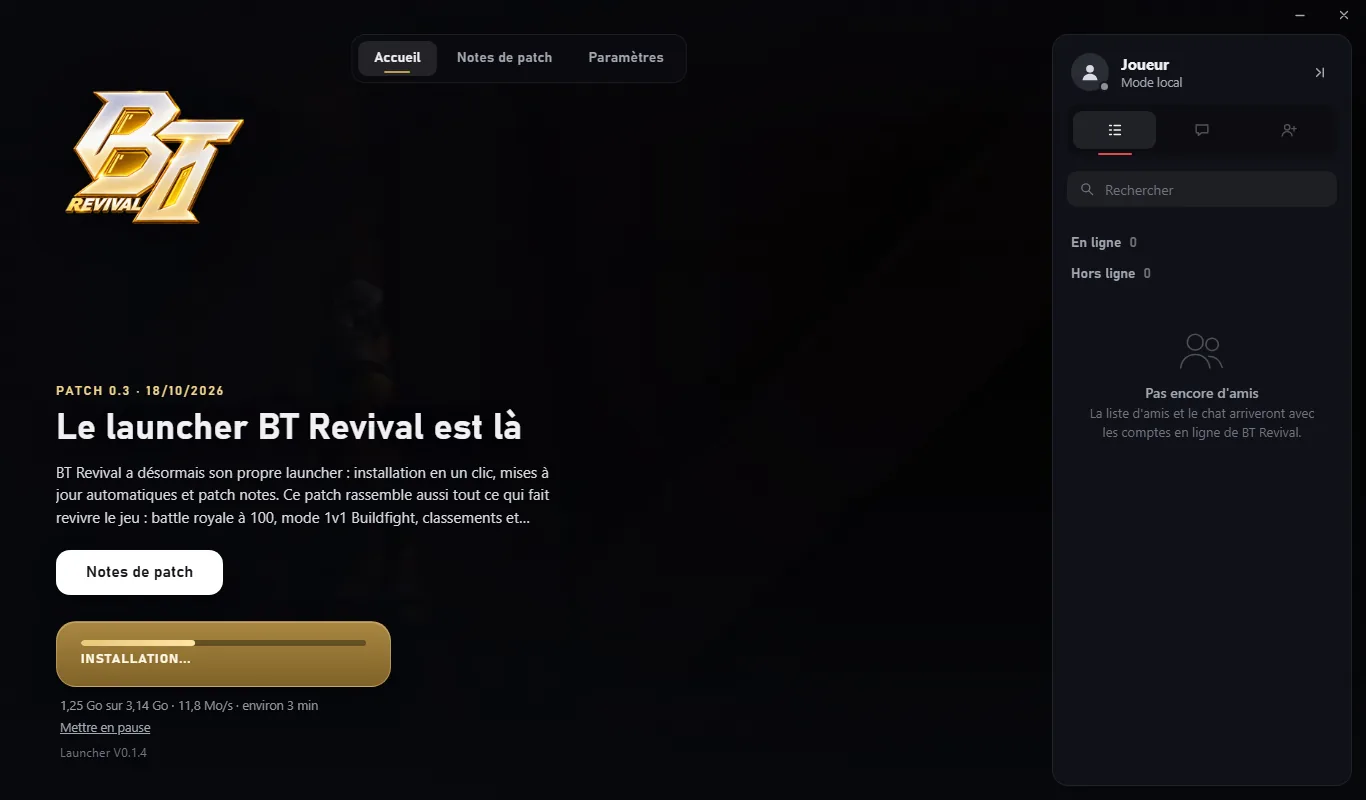
Every time it opens, the launcher checks for a new patch and only downloads the files that changed: a few megabytes instead of the whole game. If your connection drops, it picks up where it left off.
It also updates itself: you never download anything again from the website.
03
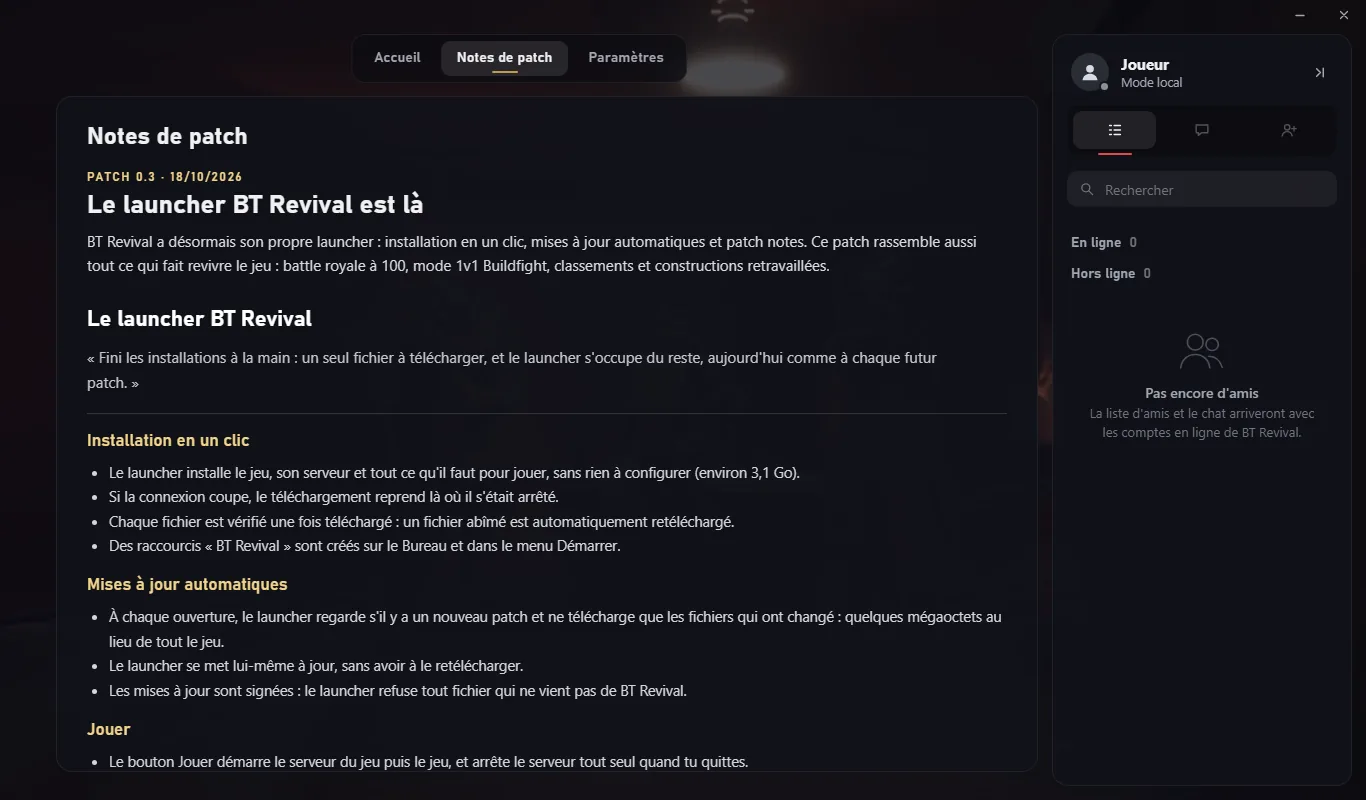
The Patch notes tab shows the latest patch in detail, section by section. Every changed value is shown clearly, from the old one to the new one, so you know exactly what changed before you start a game.
04
Every file is checked after download, and updates are signed: the launcher rejects any file that doesn't come from BT Revival. Something wrong? "Verify and repair" checks the whole game and replaces anything damaged, without ever touching your saves.
Then one click on Play is all it takes: the launcher starts everything needed, and tidies up behind you when you quit.
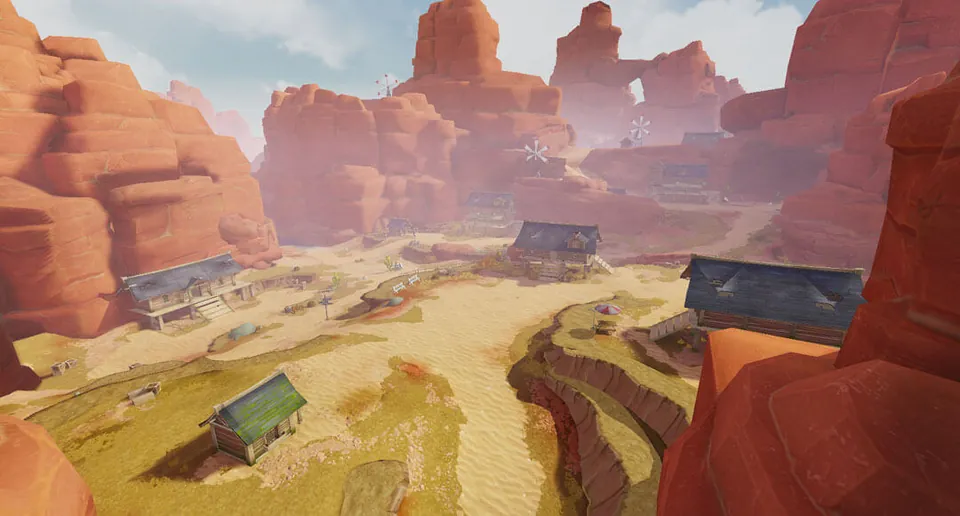
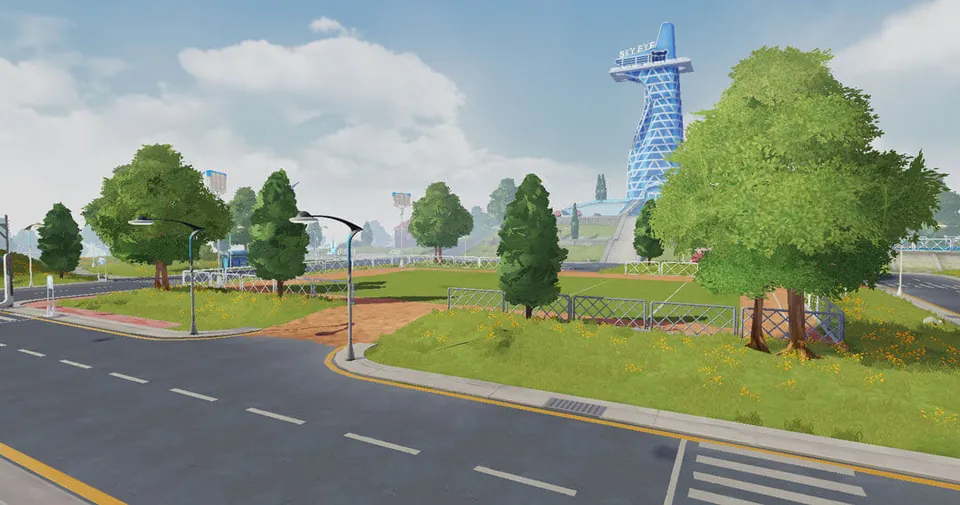
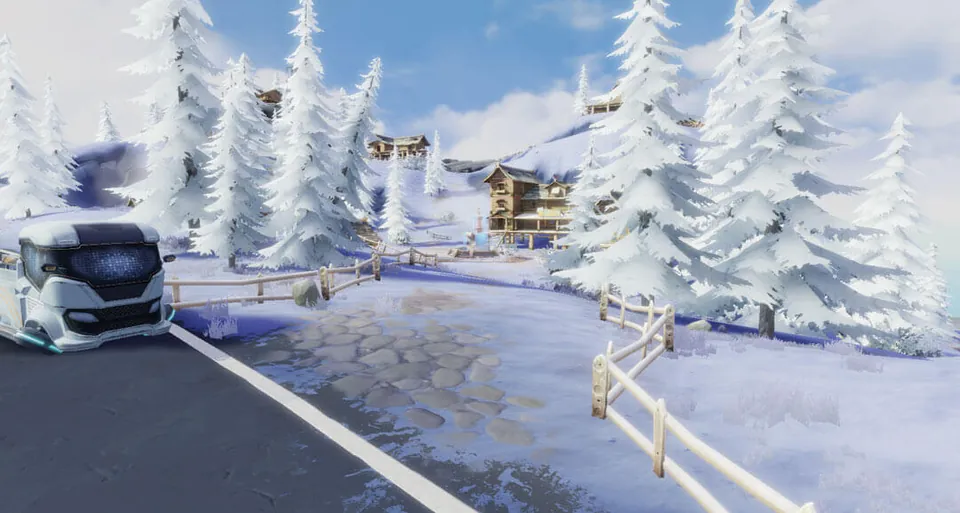
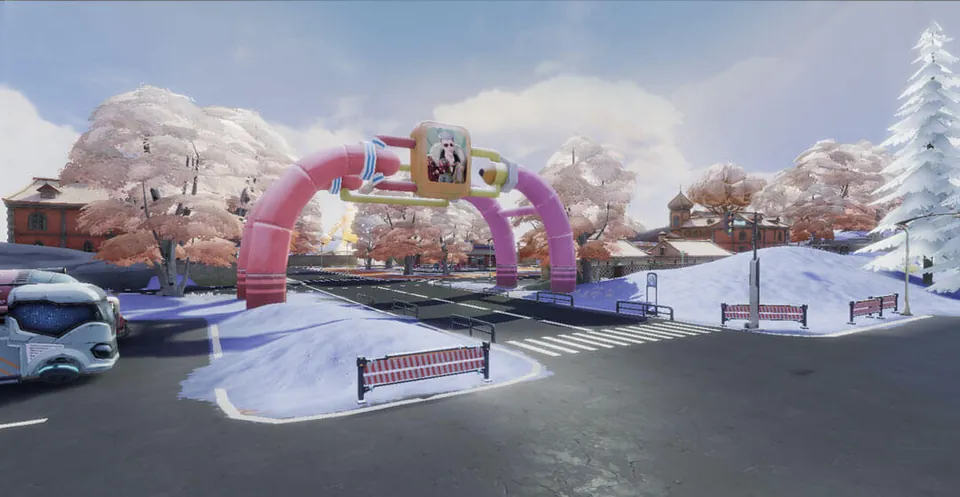
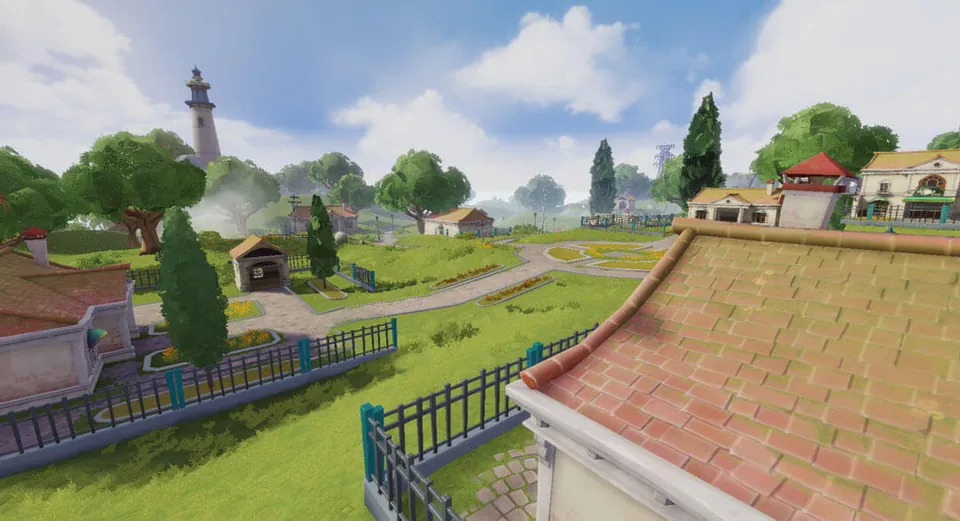
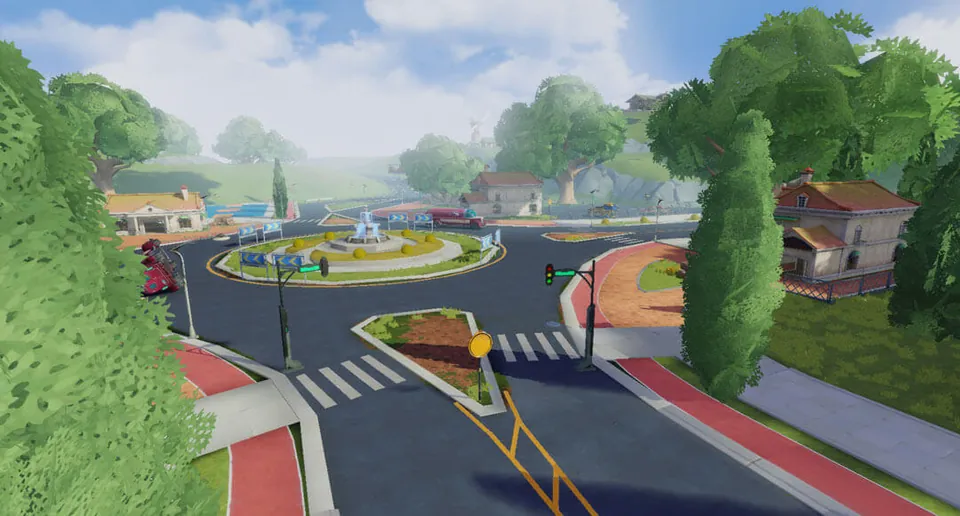
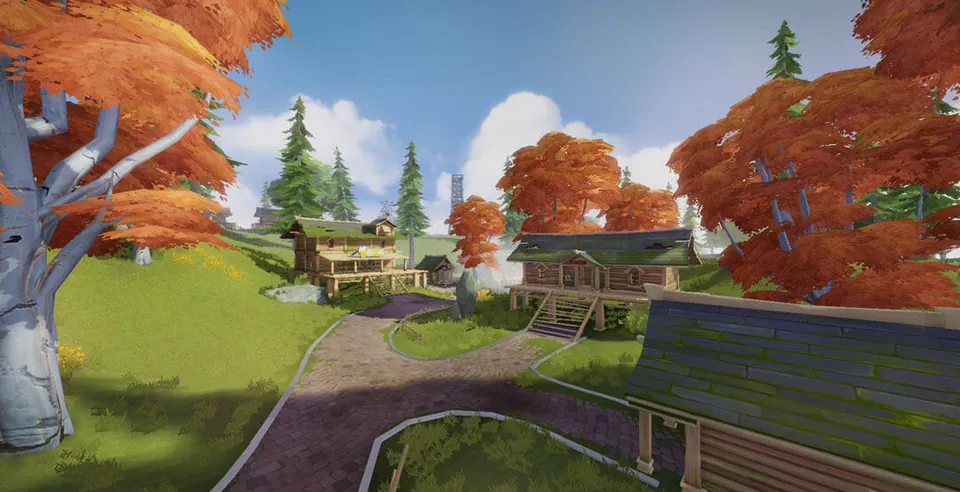
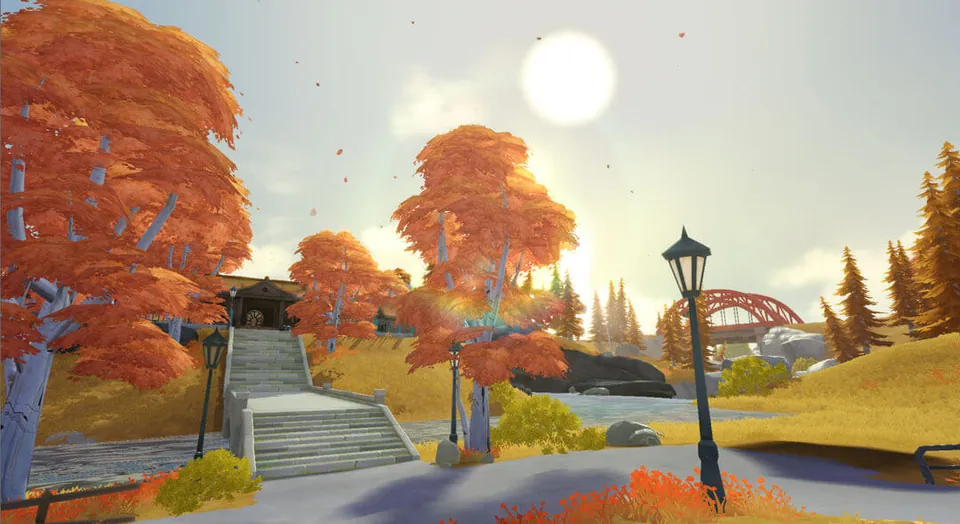
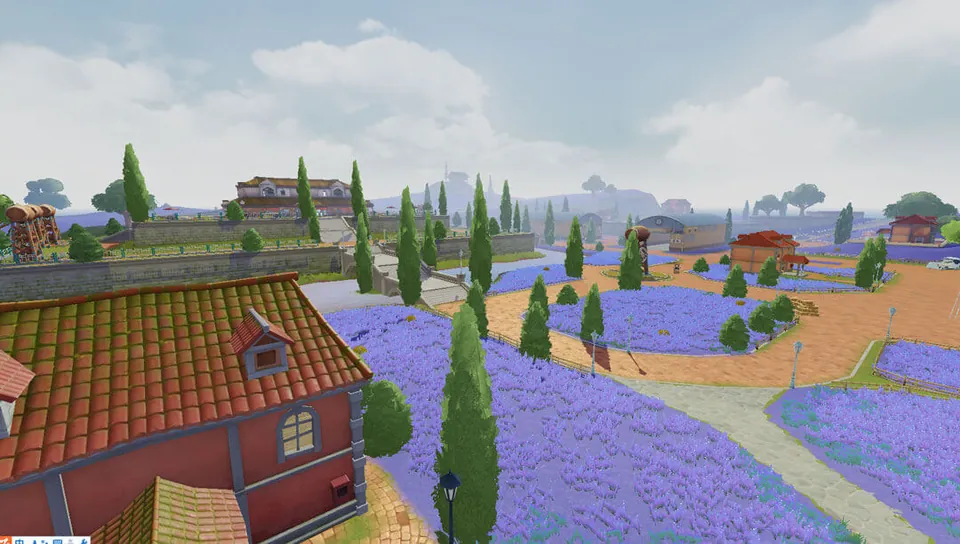
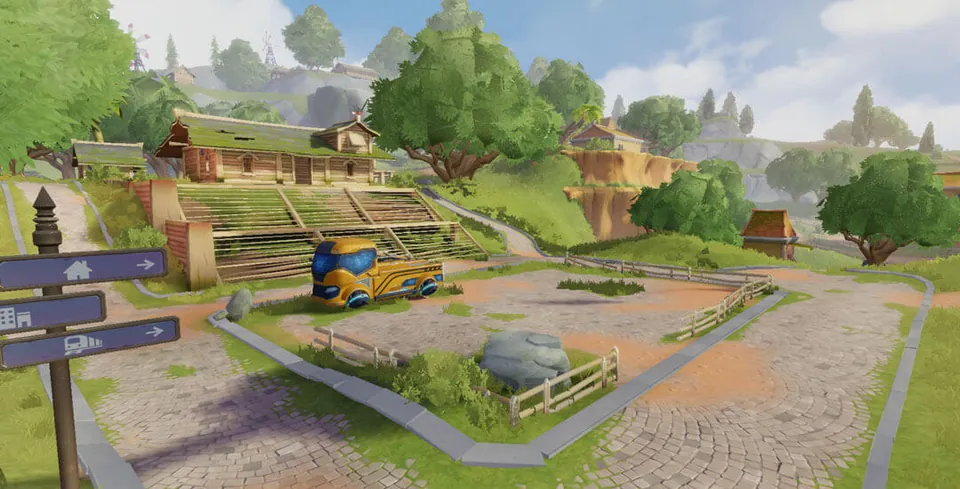
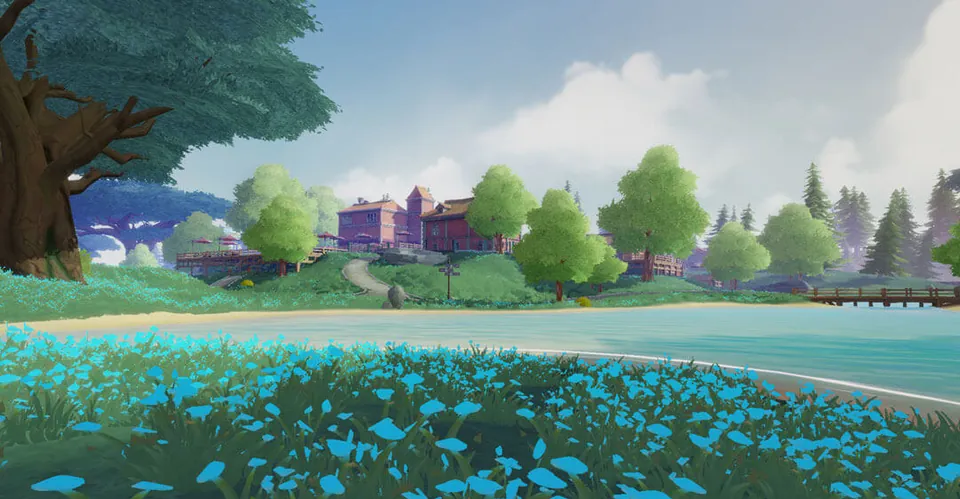
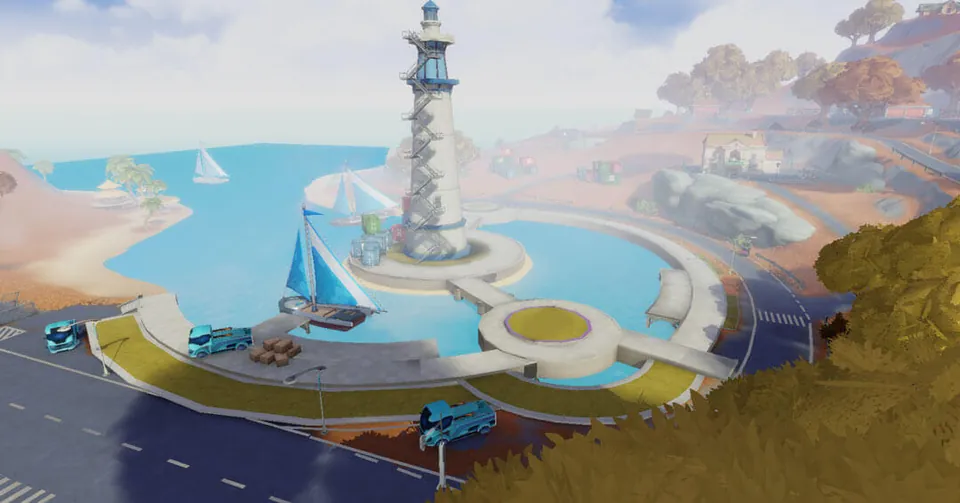
From snowy peaks to red canyons, from the palm grove to the lighthouse: the places you know, ready for new games.
What's planned, in order. New features arrive through the launcher, with nothing to download again.
One-click install, automatic updates, patch notes.
Battle royale and 1v1 Buildfight playable offline, against bots, with their leaderboards.
Your account in the launcher, the same username in game, and your friends list everywhere.
BT Showdown: a tournament every night, with its standings and Diamonds to win.
Our servers in Europe and Singapore: 1v1 Buildfight and BT Showdown against real players.
BT Revival on your phone, to play wherever you are.
From 18:00 to 21:00 (Paris time), play up to 10 games: your placement and eliminations earn you points, and the top 50 share 23,000 Diamonds.
Click a tournament to see its standings. Times shown in your device's time zone.
Quick answers to the questions we get asked the most.
You only download the launcher from this website. The first time you open it, it installs the game (about 3.1 GB), then keeps it up to date by itself. Everything is explained step by step in the install guide.
The launcher is still young: it doesn't have a paid digital signature yet, and Windows doesn't know it. It downloads and updates files, which antivirus software watches closely. It's a false alarm: we explain why and how to get past the warning here.
Yes: a free BT Revival account, created in a minute in the launcher (username, email, password). A confirmation code is sent to you by email (if it doesn't arrive, check your spam folder too). Your username is the same in the launcher and in game.
Yes. Add them as friends (the list is the same in the launcher and in game, with their status), then take each other on in 1v1 Buildfight in a custom game. And in 1v1 matchmaking, you face real players on our servers in Europe or Singapore.
In Europe (Germany) and Singapore. By default, the game picks the one where your ping is lowest by itself; you can also choose it yourself with the network icon, to the left of "Play".
64-bit Windows 10 or 11, with about 3.5 GB of free space for the install.
No. Your progression (level, Gold, Diamonds, outfits, rankings) is saved to your BT Revival account, and neither updates nor repairs ever touch your saves.
On the BT Revival Discord: announcements, patch notes and help from the community.
Download the launcher, install in one click and start your first game. Join the Discord to follow the next patches.